

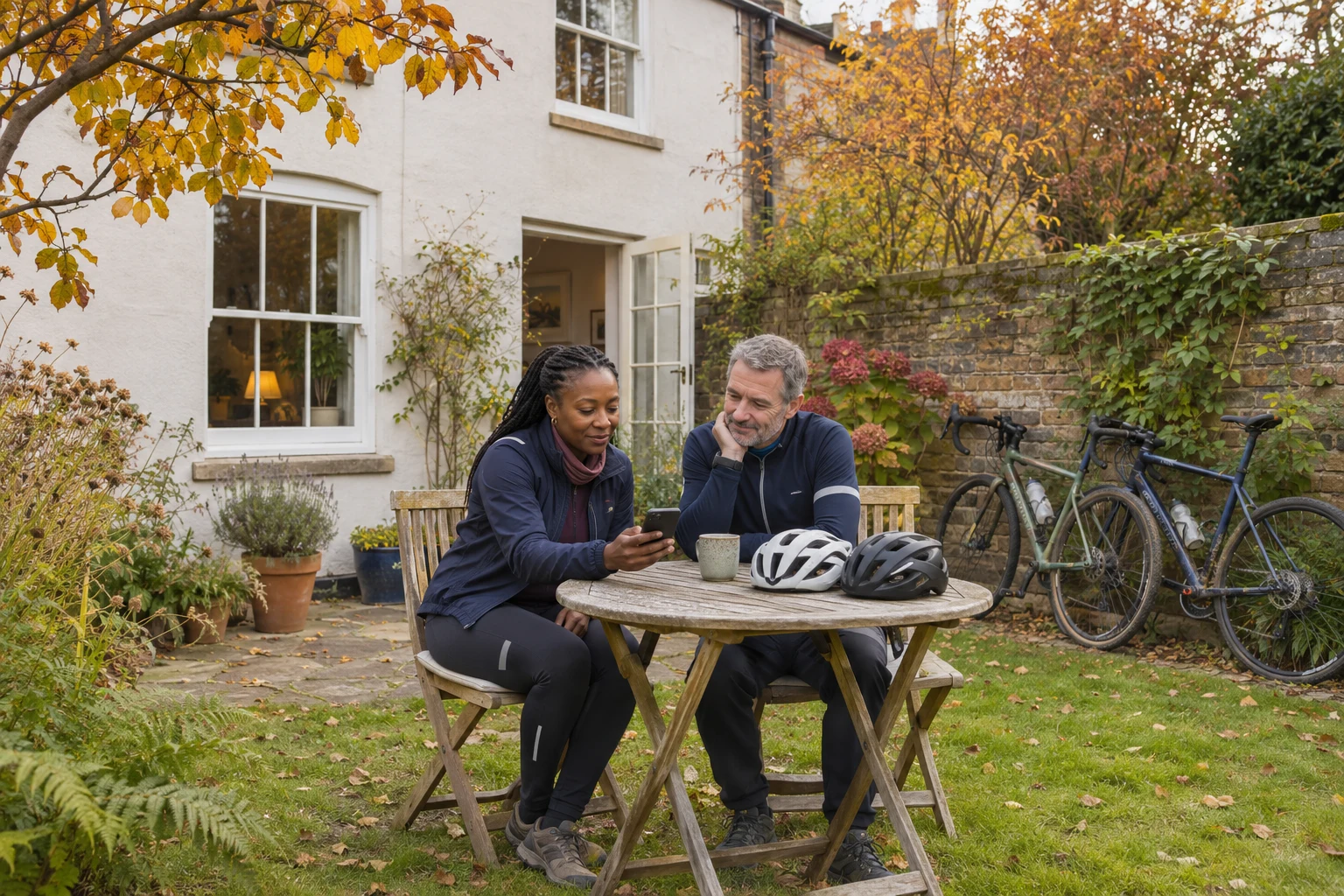
To hide where a cycle ride starts or finishes on Strava, review Map Visibility in Privacy Controls, then check who can see the activity itself. Hiding part of a map does not make the whole activity private, and Strava warns that other information may still reveal a hidden location.[8]
You can enjoy comparing routes with friends without deciding that every journey belongs on a public feed. This guide is for cyclists in the Bikers’ Mind community who want to check what they share, particularly when rides begin at home or work.
Separate the map from the audience
Start with two questions: who should see this ride, and how much of its route do they need? A club friend might enjoy seeing your distance without needing the route back to your front door.
Strava separates Map Visibility from Activity Visibility. Its guidance describes activity settings of “Followers” or “Only you” for limiting the audience, alongside controls for hiding some or all of the map.[9] Check both rather than treating a hidden start point as a private account.
Before changing anything, decide what you actually want from sharing. Perhaps it is keeping a personal record, chatting with a few riding friends or taking part in a wider cycling community. Use that purpose to guide your choices instead of copying another rider’s settings.
Find the default map controls
In the Strava mobile app, open settings from the icon at the top right of the You tab, then select Privacy Controls and Map Visibility. On the website, open Settings from your profile picture, choose Privacy Controls and look for Map Visibility under Additional Controls.[8]
Strava offers an address-based option for hiding nearby starts and finishes, an option to hide the beginning and end of activities wherever they happen, and an option to hide the entire map.[8] Read the explanation beside the choice you use. If you also ride from a workplace or a relative’s home, include those journeys in your review.
Make the change while sitting down with time to read the screen. If a friend is helping, keep control of your own account and let them explain rather than hand over your password. Write down any question you want to check in the official help pages.
Look back at rides you have already shared
Do not assume a new default has tidied your history. Strava says the address-based option applies to past and future activities, except activities with individually edited map settings. Its options for hiding every activity’s start and end, or the entire map, apply only to future activities.[8]
Open a previous ride that began somewhere you would rather keep private. Use the activity’s three-dot menu, select Edit Map Visibility, then review the available sliders or Hide the Entire Map option.[8] Start with a recent home-to-home ride so the check has a clear purpose.
An individual edit overrides the default map preferences for that activity, and later default changes no longer apply to it.[8] Keep that distinction in mind when reviewing older rides. If you have used several different settings over time, check the particular activities rather than relying on one account-wide change.
Check the rest of the story you publish
A map is only part of a ride post. Before sharing, read the title and description, then look at the photographs. Ask whether you have named a home street, shown a recognisable entrance or explained when a household will be away. Leave out details that your riding friends do not need.
The National Cyber Security Centre recommends thinking about what you post, who can access it and which personal details are unnecessary.[3] Apply that same check when a club member wants to share your ride or photograph. Tell them what you are happy to have posted before the group photo reaches a public page.
Check connected services separately. Strava says its Map Visibility controls apply to activities on Strava and do not travel with activities shared to other services.[8] Avoid assuming that a setting in one app protects a copy elsewhere.
Make the next check a small one
For now, review your default map setting and one older ride from home. Then check the activity audience. Strava’s guidance is clear that hiding a section of route cannot guarantee someone will be unable to work out the location from other information.[8] Choose the entire-map option if you do not want others to see the activity map.[8]
If your cycling group compares settings over coffee, make it optional. Nobody needs to show a home address or explain a personal safety concern to the club. A useful conversation can be as simple as pointing someone towards the official instructions.
For more everyday topics around riding and community life, explore the Bikers’ Mind hub. The next ride can still be something you enjoy together without sharing every part of the journey online.
Sources
[3] Social media: how to use it safely: NCSC
[8] Strava: How do I edit my map visibility?
[9] Strava: What privacy settings should I consider for my activities?