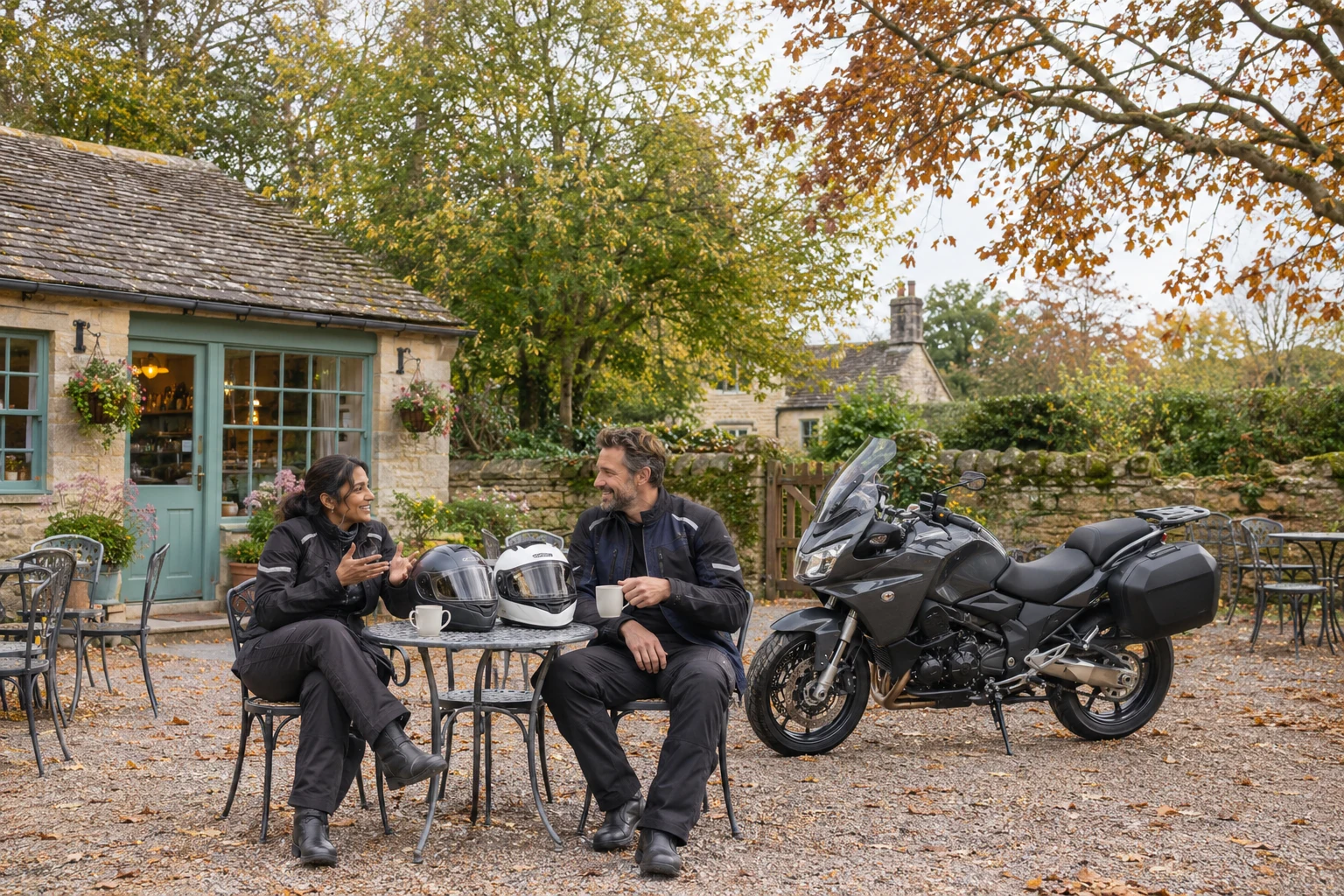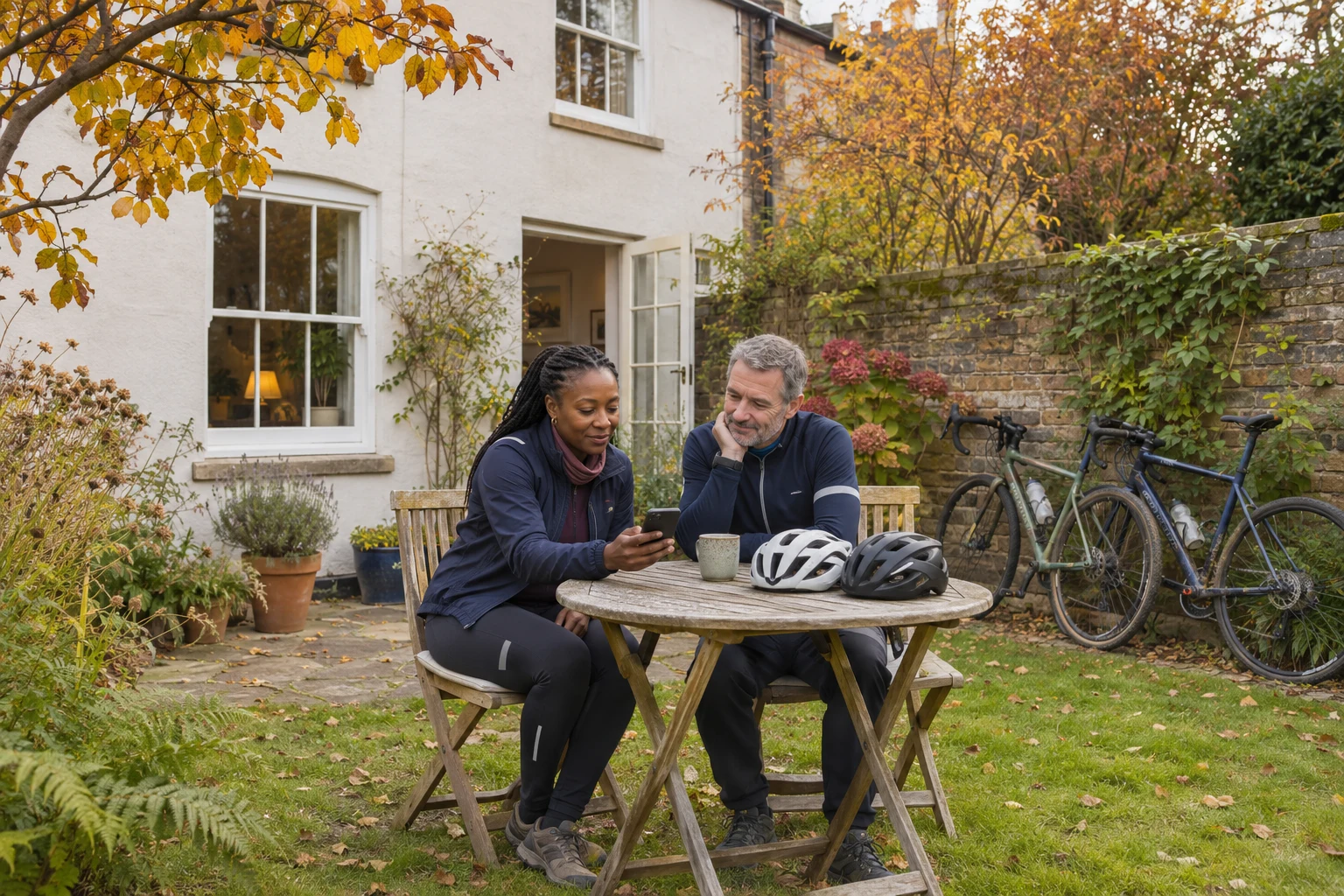


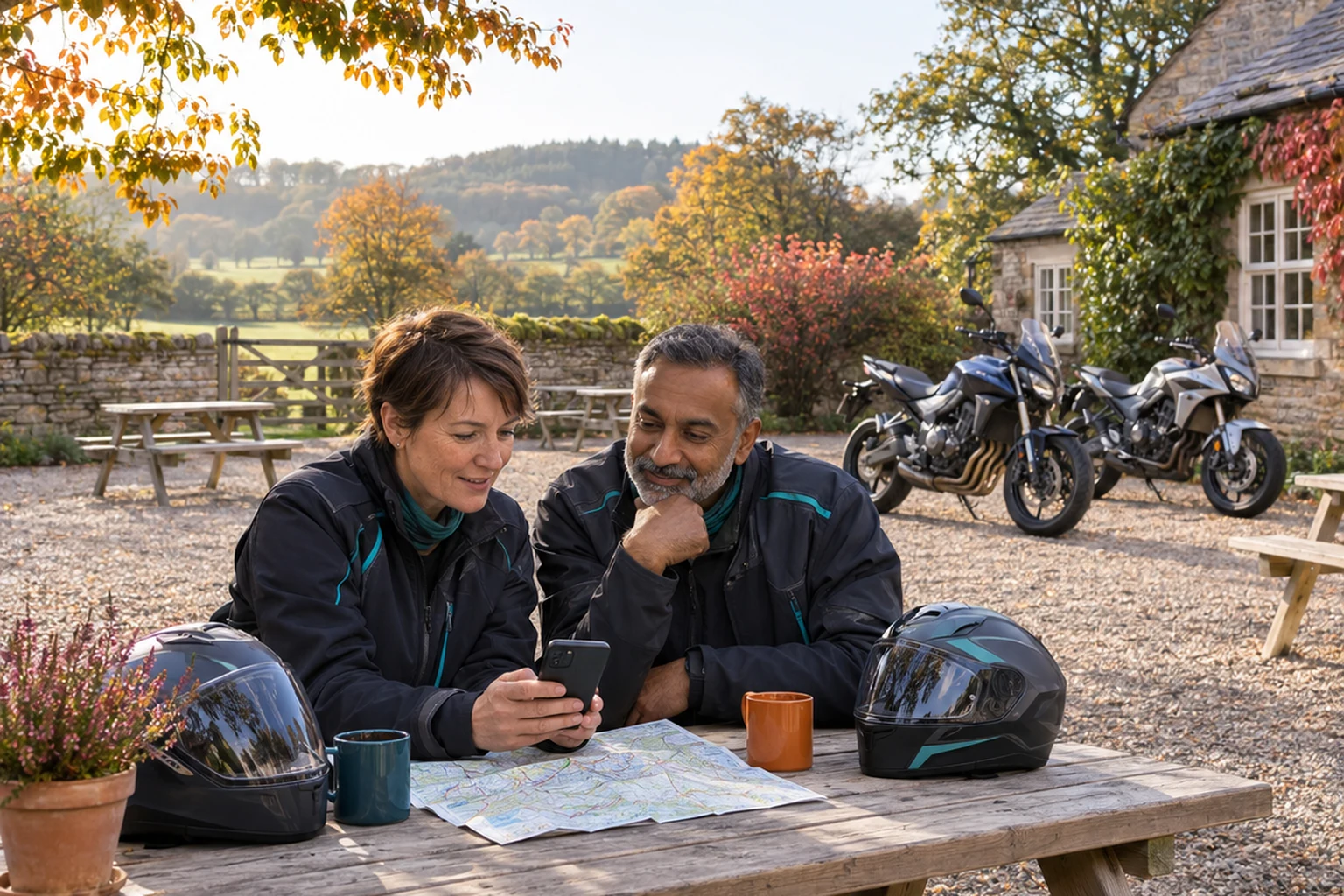
Download the maps you need before leaving home, check that they cover the whole journey and try them without an internet connection while you are safely parked. Offline navigation can help when mobile data disappears, but the available directions and features depend on your app.[4][5]
For a motorcycle ride-out, the useful question is whether your own phone can guide you through the planned journey and back. This is general information for preparing your technology, not riding instruction or a recommendation of a particular app. You do not need to replace working equipment before finding out what it already does.
Download an area, not just a destination
Google Maps on Android lets you select an area to download. Its guidance says offline maps can guide you when the connection is unavailable, provided the entire route sits within the downloaded map.[4] Saving the village where you are meeting does not necessarily cover the roads between your home and that village.
At home, look at the outward journey, planned stops and the return. Allow space around the planned route rather than drawing the download boundary tightly around it. Think about somewhere you might reasonably stop if the group changes plans. These are preparation prompts, not a promise that an app will find every alternative.
Give the saved area a name you will recognise next month. Google lets you rename downloaded maps.[4] “November Sunday ride” may be easier to identify than a place name you barely remember. Keep a separate note of the meeting point and home address so you know what you are trying to reach.
Check what your app actually offers offline
Offline does not mean every online feature remains available. Google says its offline driving navigation does not provide traffic information or alternative routes. It also says walking, cycling and public transport directions are unavailable offline.[4] A motorcycle is not a bicycle: do not choose cycling directions because you are travelling on two wheels.
Apple’s guidance for Maps in iOS 17 or later describes offline directions for driving, walking, cycling and public transport, with availability varying by region.[5] That difference matters if a friend is demonstrating their iPhone while you are preparing an Android phone. Their working example is not a test of yours.
If you use a dedicated motorcycling app, read its own current instructions. Check whether your account includes offline downloads and what happens outside the saved area. Avoid assuming that a route someone sends you is also a downloaded map. Ask the organiser what information they are sharing and open it before departure.
Try the fallback before the ride
While safely parked, disconnect from Wi-Fi and mobile data, open the saved map and check the destination and available directions. Apple offers an “Only Use Offline Maps” setting for testing or using its downloads.[5] Restore the connectivity settings you normally need afterwards.
Do this with enough time to ask for help. If the phone cannot find the destination, check the saved area and the app’s instructions before relying on it. An unsuccessful test at the kitchen table is easier to deal with than discovering a problem at an unfamiliar junction.
Prepare a fallback outside the phone as well. You might write down the meeting address, a familiar return point and a contact number. Agree with your riding companion where you will meet if separated. Keep those arrangements simple enough to explain without sending another link.
Make changes only when safely parked
GOV.UK says holding and using a phone while riding a motorcycle is illegal, including using it offline. Its guidance also explains that hands-free use must not obstruct your view and that you must remain in control.[6] A downloaded map does not remove distraction or make a confusing screen something to sort out while moving.
Set up your destination before leaving. If instructions become unclear or the group changes its destination, find somewhere safe to park before handling the phone. Do not treat waiting at traffic lights as a chance to adjust it; GOV.UK explicitly includes traffic lights in its restrictions.[6]
Tell the group in advance that you may need a proper stop to check directions. You should not have to improvise phone settings to keep up with someone else’s timetable.
Keep the preparation useful next time
Downloads need attention between outings. Google says downloaded maps must be updated before they expire. Apple notes that offline maps use device storage and that its Optimise Storage setting can delete unused maps.[4][5] Check what is still present rather than relying on a download from an earlier trip.
Before your next ride, make one small check: open the saved area and confirm that your intended meeting point and route are covered. Then agree the fallback with whoever is coming. For more practical reading around life on two wheels, visit the Bikers’ Mind hub. The aim is a workable plan for your own outing, not another piece of kit to buy.
Sources
[4] Download areas & navigate offline in Google Maps – Android phone & tablet – Google Maps Help
[5] How to download maps to use offline on your iPhone – Apple Support (IE)
[6] Using a phone, sat nav or other device when driving – GOV.UK