


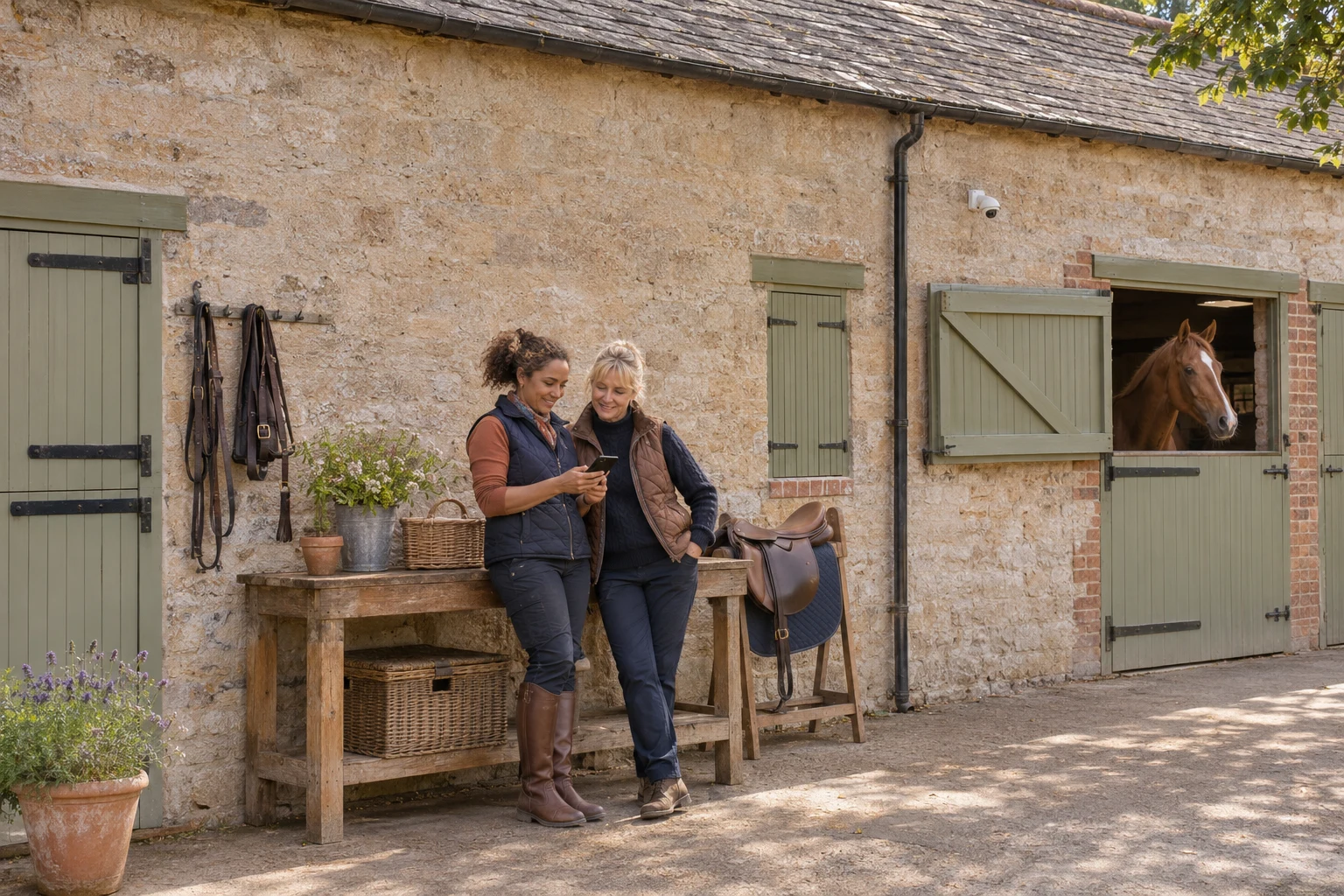
A stable camera can let you check a live view of your horse, but before sharing access, check who controls the account and who can still open the feed. The National Cyber Security Centre (NCSC) recommends changing default passwords, keeping camera software updated and turning off remote viewing if you do not need it.[23]
For a private owner, that might mean reviewing one app. On a livery yard, start by agreeing who is responsible for the equipment. This is a technical starting point, not a guide to CCTV law, horse health or emergency monitoring. It does not assess whether a particular camera is suitable for your yard.
Find out who controls the camera
Before changing anything, ask whose camera it is and who set it up. A unit outside your stable may belong to the yard, while the phone in your pocket only has permission to view it. Ask the account owner to review the arrangement with you rather than resetting equipment that other people rely on.
Write down the make, model and support contact. Then ask which email address controls the main account, who can recover it and whether anyone else has administrator access. Keep passwords out of shared yard notebooks and group chats. A note saying who to contact is more useful than a password copied where everyone can see it.
Consider what happens when the person who installed the system is away. Can the responsible owner still find the manufacturer’s instructions and arrange help without borrowing someone else’s personal email account?
Review everyone who can see the feed
If the app offers a list of invited users or shared devices, review it with the account owner. Look for former liveries, previous staff or an old phone. Ask the manufacturer how to remove access properly and whether existing signed-in devices need separate attention.
Where the system supports individual invitations, ask whether each person can have their own access instead of everyone using the main login. Check what that invitation allows: viewing one stable, watching other cameras or changing settings. Do not assume those permissions are identical across brands.
Make the handover explicit when someone leaves. Agree who will review access, when they will do it and how the owner will confirm the change. This is a suggested yard routine, not a claim that every camera app has the same controls.
Protect the account as well as the equipment
Follow the camera manufacturer’s instructions to replace any default password. The NCSC suggests three random words as one way to create a memorable password and advises avoiding common choices.[23] Its wider guidance recommends a strong, separate password for email because access to an inbox can put other accounts at risk.[25]
Turn on two-step verification for the camera account if the service offers it, and protect the recovery email too. The NCSC explains that this adds an extra identity check even if someone knows your password.[26] Follow the service’s own setup instructions rather than a message from someone offering to do it for you.
Plan for a lost or replaced phone. If the service provides backup codes, store them somewhere safe; the NCSC identifies these as a way to regain access when your usual second step is unavailable.[26] Ask how the yard’s responsible account owner would recover access before there is a problem.
Keep updates and remote access under review
Check the app and camera settings for software or firmware updates. The NCSC recommends regular updates and switching on automatic installation where available.[23] Put a reminder in the yard diary to check the arrangement, particularly after a change of phone, internet equipment or staff.
Remote viewing needs a deliberate decision. If you do not need to watch over the internet, the NCSC recommends disabling that feature, while warning that doing so can also affect alerts and connected devices.[23] If remote viewing is the reason you bought the camera, ask the manufacturer about securing that feature instead.
Leave unfamiliar router settings to whoever manages the yard’s connection. The NCSC also flags UPnP and port forwarding as settings to review, but notes that disabling them can stop some devices or applications working.[23] Give your IT contact the camera model and explain what you need it to do before requesting changes.
Agree a simple yard check
Choose a quiet moment with the account owner to review access, update arrangements and recovery details. Ask a person who should have access to test their own login afterwards. Record what was checked and who will follow up anything unresolved.
Keep the camera arrangements separate from the plan for hands-on horse care: agree who should be contacted if someone notices a concern. For more practical reading for people who own or work with horses, visit the Equi Mind hub.
Sources
[23] NCSC: Smart security cameras: using them safely in your home