


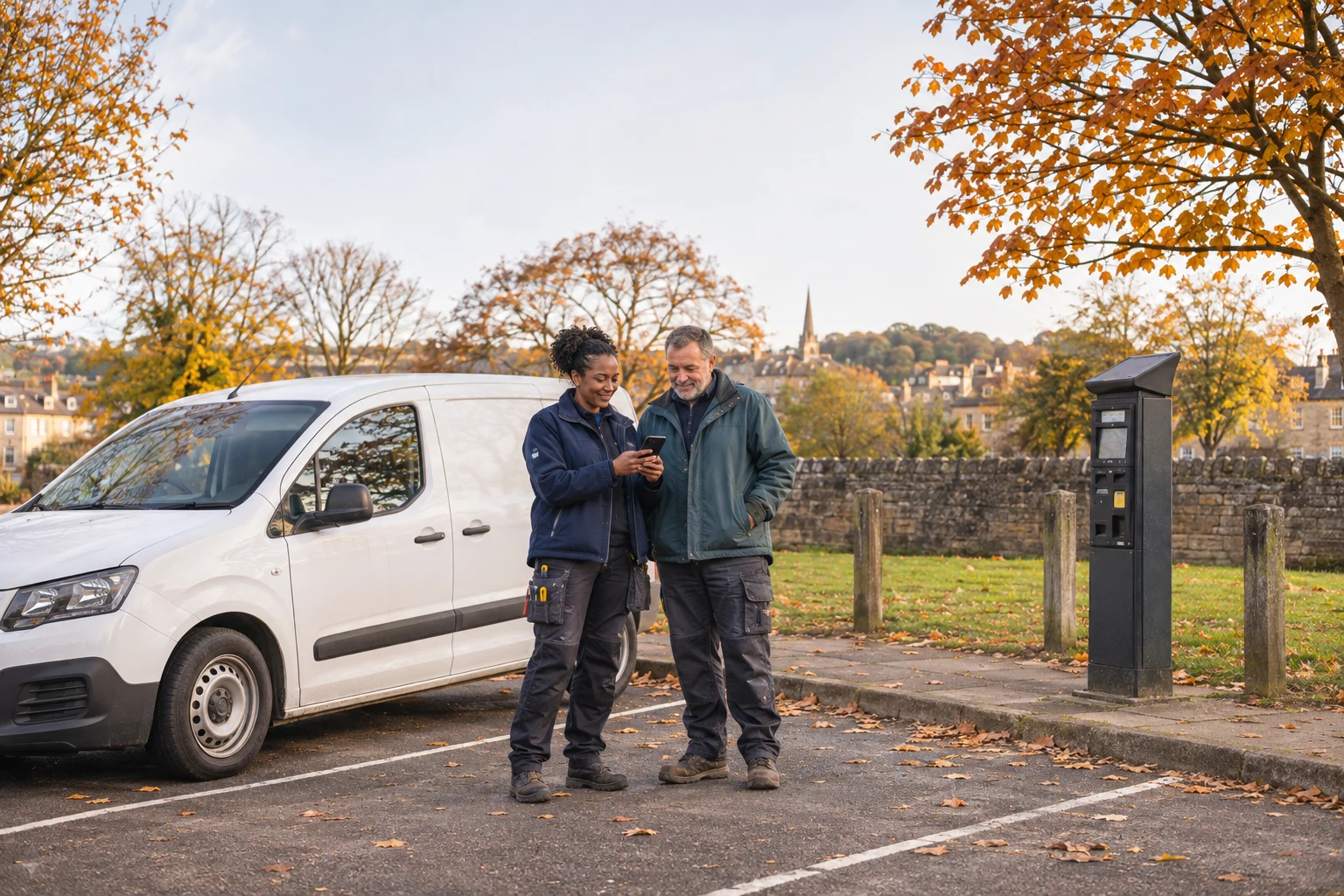
Before using a parking QR code, check the payment instructions with the actual car park operator. A sticker on a machine is not proof that the website belongs to whoever runs the car park: councils have reported fraudulent codes placed over parking signage.[8]
For a tradesperson arriving with tools and a customer waiting, this is an awkward moment to stop. Build the check into arriving at the job, rather than trying to sort out an unfamiliar payment page while unloading the van. These are practical security suggestions and signposts, not legal or financial advice.
Check who runs this particular car park
Read the permanent signs for the operator’s name and the available payment methods before scanning anything. Look for an added sticker, a code covering other information or payment instructions that appear inconsistent. Treat those as reasons to check, rather than trying to decide whether a sticker looks professionally printed.
The NCSC warns that scanning QR codes in open spaces such as stations and car parks can be riskier, and says to be suspicious of requests for excessive information.[1] That does not mean every parking code is fraudulent. It means the setting alone cannot tell you whether the destination is trustworthy.
For example, Southend-on-Sea City Council says it no longer uses QR codes on its parking machines or signage, following fake codes being placed there.[8] That is a local instruction, not a rule for every UK car park. Check the operator where you are parked instead of assuming the arrangements are the same as yesterday’s job.
Find the payment route independently
If you already have the operator’s genuine parking app, open it yourself rather than following the sticker. Confirm that the location shown matches the place you have actually parked, along with the vehicle registration and intended parking period. Do not rush the location check because the app has remembered a previous visit.
If you need to find the operator online, use an address you have independently confirmed through its official information. Avoid treating the page reached through the suspect code as your source of reassurance. Another option is to ask the operator or on-site staff to confirm the legitimate payment method, using contact details obtained separately.
The NCSC recommends using your phone’s built-in QR scanner rather than downloading a separate scanning app.[1] There is no need to install an unfamiliar scanner simply because a parking sticker tells you to. If the payment method remains unclear, find a different lawful parking option rather than leaving the van and hoping the transaction worked.
Stop if the page asks for something unexpected
Pause if an ordinary parking payment turns into an unfamiliar subscription, an instruction to install software or a request for unrelated account access. GOV.UK advises against providing private information when you are unsure whether a message or website is genuine.[3]
Do not keep progressing through the screens just to discover what the final charge will be. Close the suspect page and return to a payment route you can verify independently. If someone calls afterwards claiming to help, end the call and contact the organisation through its usual published route.
Before walking away, check the legitimate service’s confirmation for the right vehicle and location. Keep the receipt or confirmation where you can find it again. If you are running late, send the customer a brief arrival update once safely parked. That gives you room to finish the checks without juggling the phone, tools and an explanation at the doorstep.
Act promptly if you entered payment details
If you have already used the suspect page, contact your bank or card provider through its official app or the number on your card. Explain what you entered, whether you authorised a payment and what you have noticed since. Citizens Advice says to contact your bank immediately about an unrecognised payment or a debit-card payment larger than expected.[4]
Keep the website address, time, location and any transaction confirmation. Take a photograph of the suspect sign if it is safe to do so, without obstructing other drivers. Report the code to the actual parking operator through its genuine contact route.
Do not assume a refund is guaranteed. Citizens Advice explains that the next steps and possible recovery depend on what happened; its linked page is for England and offers links to the other UK nations.[4] For reporting an online scam, use the current GOV.UK reporting guidance rather than a number supplied by an unexpected caller.[3]
Make the check part of arriving at work
Before the next unfamiliar job, ask the customer about parking and unloading arrangements. Save the genuine operator’s information when you can confirm it in advance. Allow a little time to check the signs on arrival, particularly if you are carrying equipment or working alone.
If another tradesperson is meeting you there, agree who will confirm the parking arrangements before anyone starts unloading. Your next step today can be small: check the parking plan for the first address in tomorrow’s diary. For more practical reading about work and everyday life, visit the Trade Mind hub.
Sources
[1] NCSC: QR codes, what is the real risk?